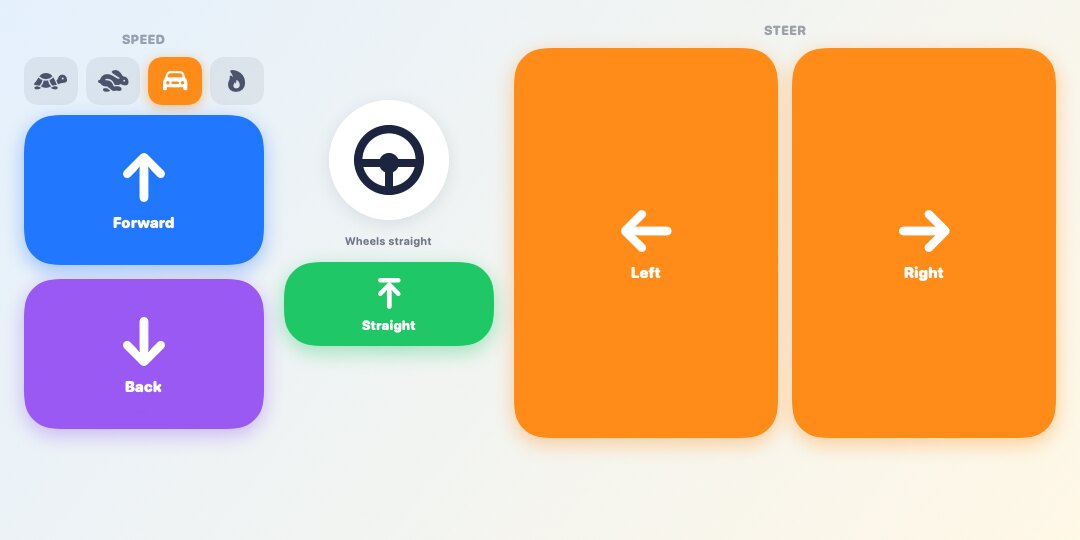
Easy Drive
FREEFour big arrow buttons and four speeds, from turtle to max. The best start for young drivers.
Spiky RC drives a LEGO® Education SPIKE™ Prime hub from an iPad or iPhone. Pick which motor drives and which one steers, then grab a remote and go. No coding, no cables, no firmware changes.
Turn on the hub, press its Bluetooth button and tap it in the app. Spiky RC works with the hub's normal SPIKE App 3 firmware.
Tap each port on the hub drawing and give it a job. Any port can take any job.
Press and hold to drive. Let go and the car stops. If your car steers, set left, middle and right once by hand.
Big friendly buttons for little hands, real thumbsticks for gamers, a pistol grip like the hobby racers use, and an 80s toy remote with a TURBO button. Switch any time.
Four big arrow buttons and four speeds, from turtle to max. The best start for young drivers.
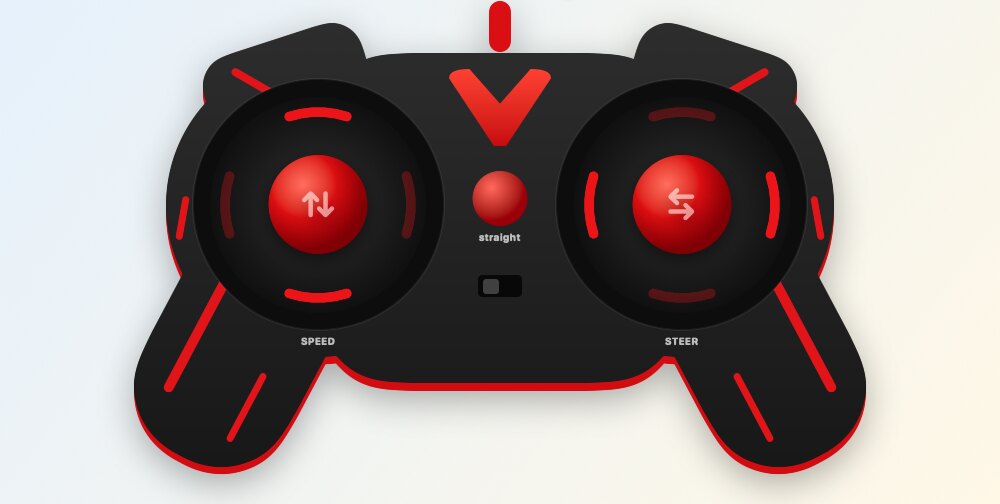
Two thumbsticks, like a game controller. Push further to go faster.
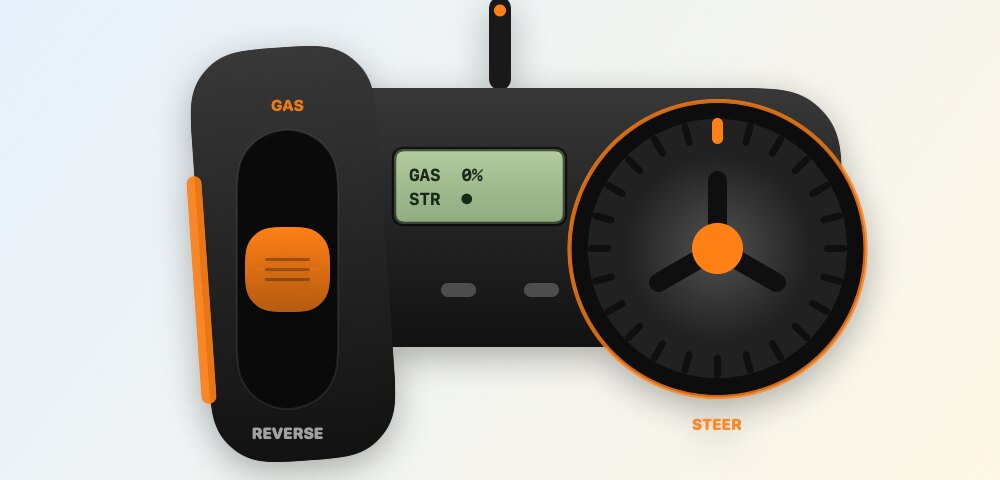
A pistol grip, like real hobby RC cars: trigger for gas, wheel to steer.
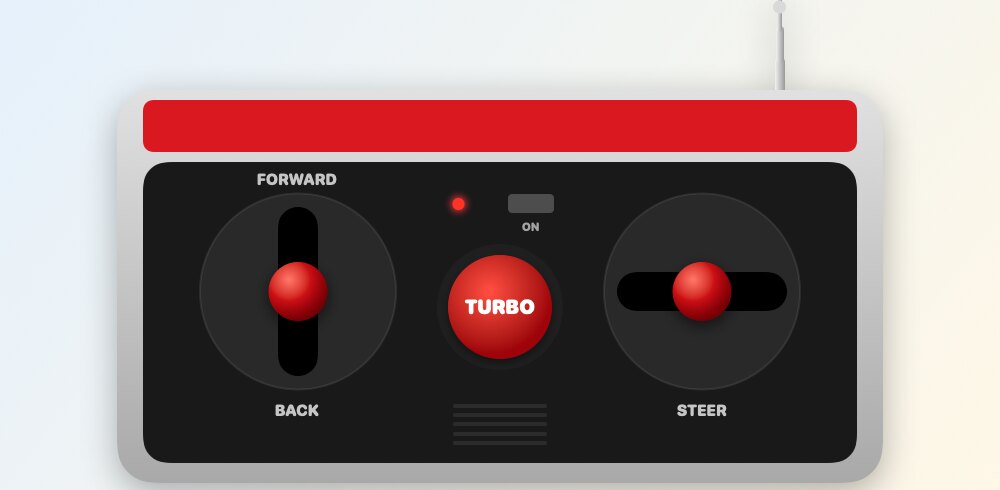
The 80s toy remote: two chunky levers and a TURBO button for full speed.
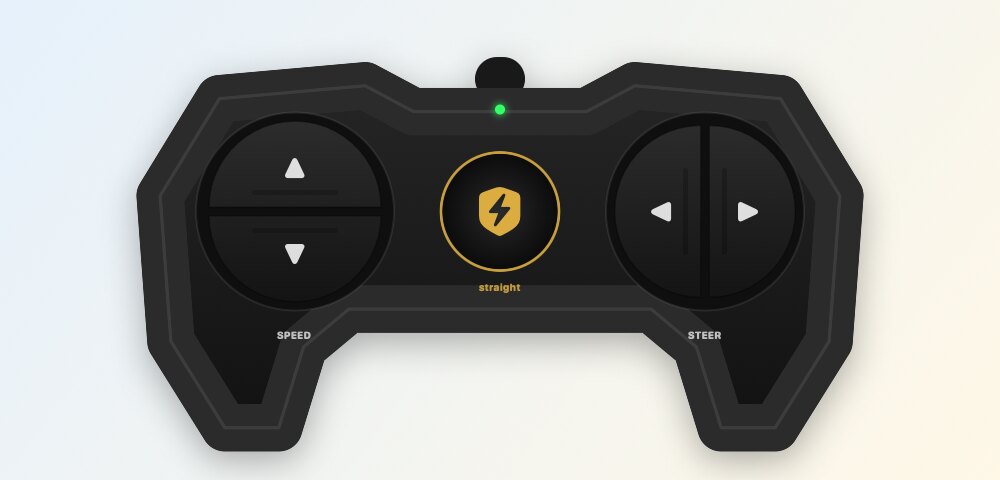
Sleek carbon pads with a gold badge that straightens the wheels.
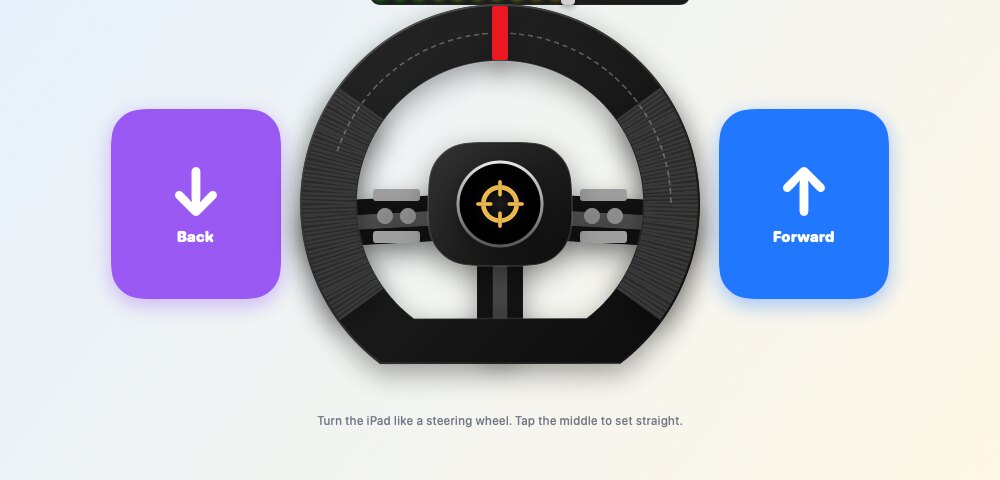
Turn the iPad like a steering wheel to steer.
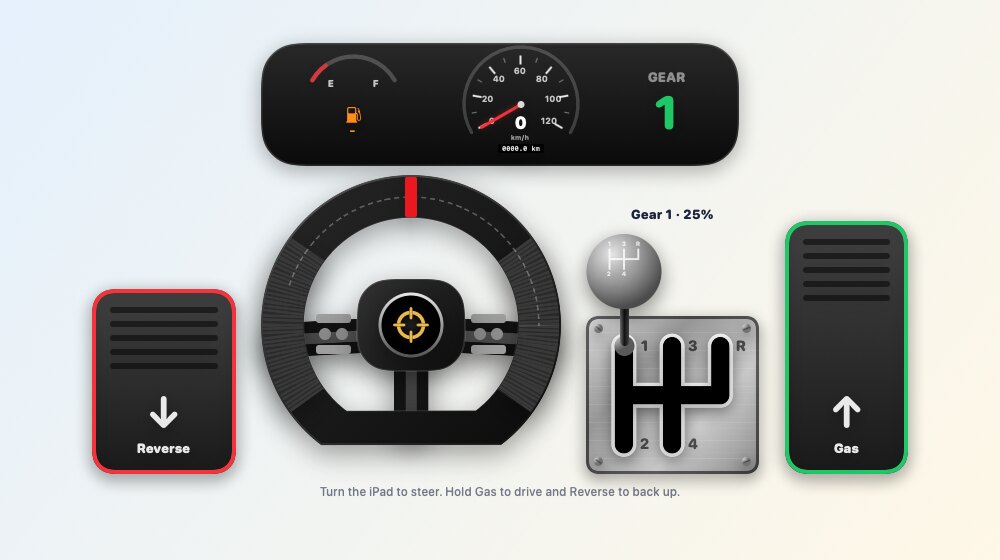
Gas and reverse pedals, a four-gear shifter and a speedometer.
Add a LEGO® distance sensor and the car drives by itself. It stops 10 cm before a wall, backs up, turns away and carries on. The hub runs this on its own, so a slow Bluetooth connection can't delay a stop.
The engine revs with the speed you drive, catches with a starter crank and clunks when you change gear. Choose from five engines, each modelled on a famous kind of sports-car engine.
Every control is press-and-hold. If the app closes or Bluetooth drops, the hub brakes on its own within half a second.
No sign-up and no ads. Nothing about your child leaves the device.
A grown-ups-only question appears before any purchase. Pro is a single payment, never a subscription.
No firmware to install or replace. The SPIKE App keeps working as before.
A grown-up allows one hub program slot (slot 20 by default). Spiky RC never touches the others.
Set a top speed per motor and start on the turtle speed. Turn the steering wheels only as far as your build allows.
Try every Pro remote in preview before you decide. One purchase works on every iPad and iPhone in your family with Family Sharing.
A LEGO® Education SPIKE™ Prime hub with the SPIKE App 3 firmware. If your hub is older, update it once with the official SPIKE App, then close that app before you connect Spiky RC.
Any iPad or iPhone with iOS or iPadOS 17 or newer. That covers the iPad 6th generation and newer and the iPhone XS and newer. On iPhone, turn the phone sideways to drive.
No. The app sends a small drive program to the hub on your first press. After that, every press goes to the car live over Bluetooth.
It doesn't change the firmware. It only uses the one program slot a grown-up allows, slot 20 by default, and overwrites whatever was saved there.
Anything with a motor that drives it. Add a second motor to steer, and use the free ports as Extra motors for a crane, a claw or a dumper.
Not yet. iPad and iPhone come first; Android is planned.
Spiky RC is coming soon to the App Store for iPad and iPhone.
Back to the top